
How to get your client's approval in Poppi Social
A practical walk-through of getting client approval for your posts in Poppi Social.
You've planned your post, and now you need to get your client's approval before you can publish. Here's how to do that in Poppi Social.
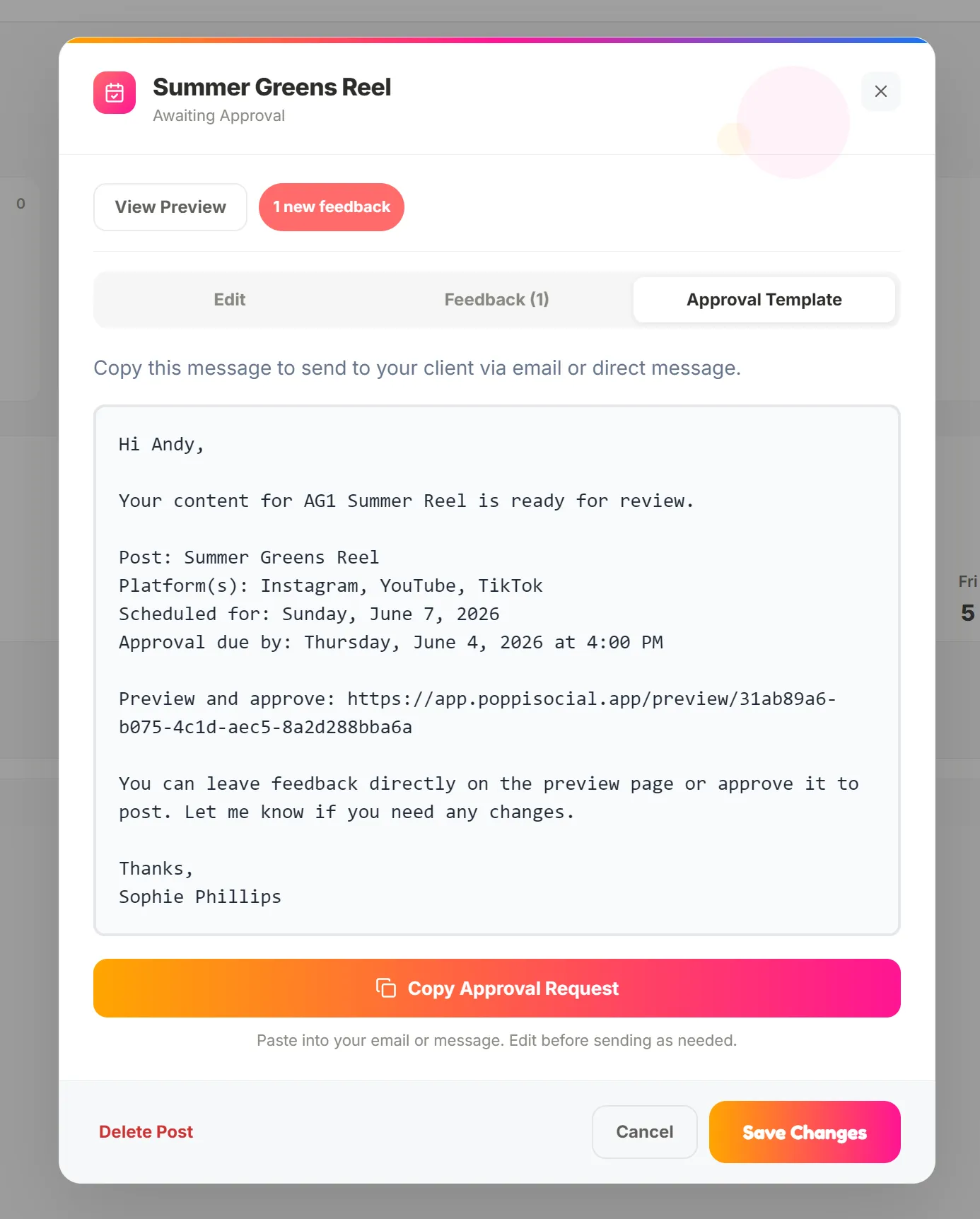
Open the post you have just created and you will see the option to edit, view preview, or the approval template. You can copy the approval template provided and send it to your client for approval via DM, whatsapp, email or whatever platform you are communicating on. You can also go to "View Preview" and copy the URL.
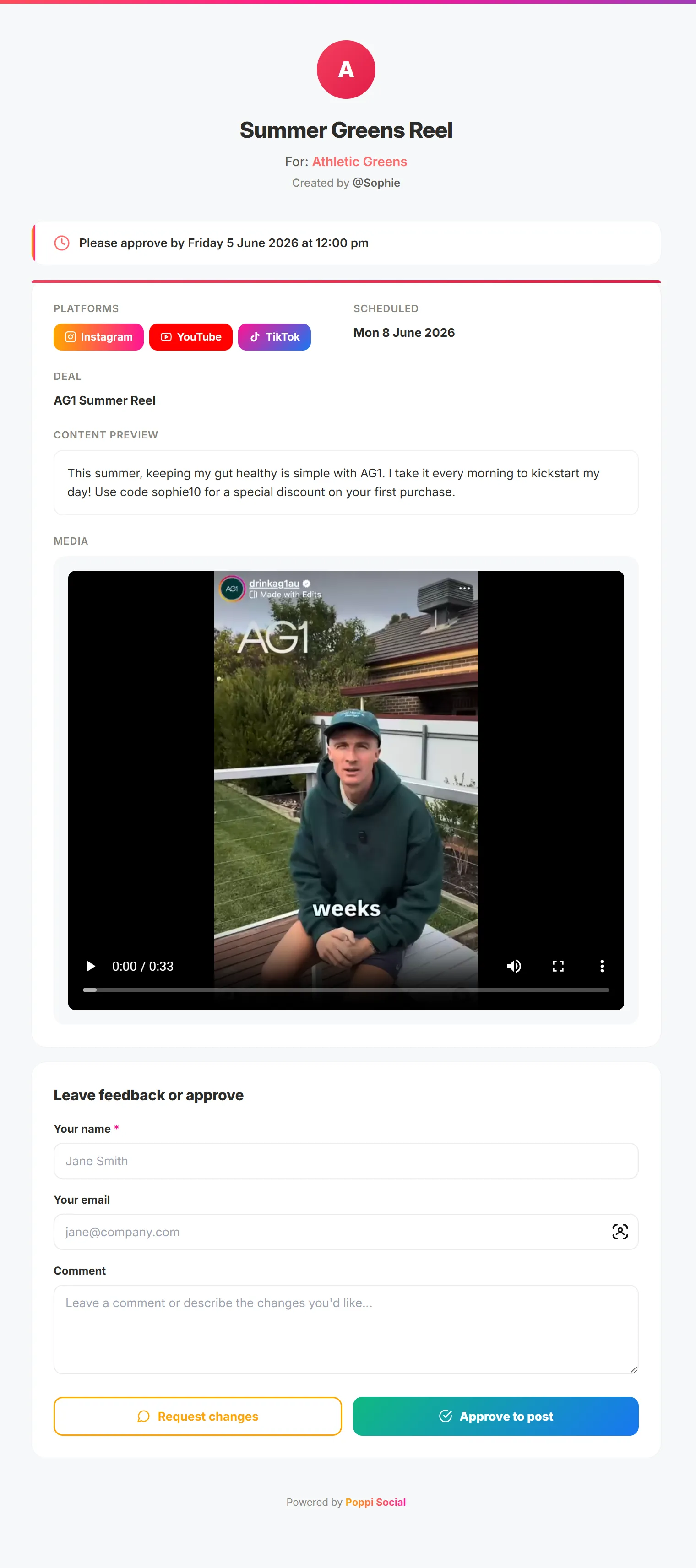
The client approval preview, provides the details on the platforms you are planning to post to, the scheduled post date, Post copy and the image or video you are posting. If you have pasted a link in the post plan media section, it will show them the link to follow (this works best for YouTube previews). The client can then play or view the media and either leave feedback or approve.
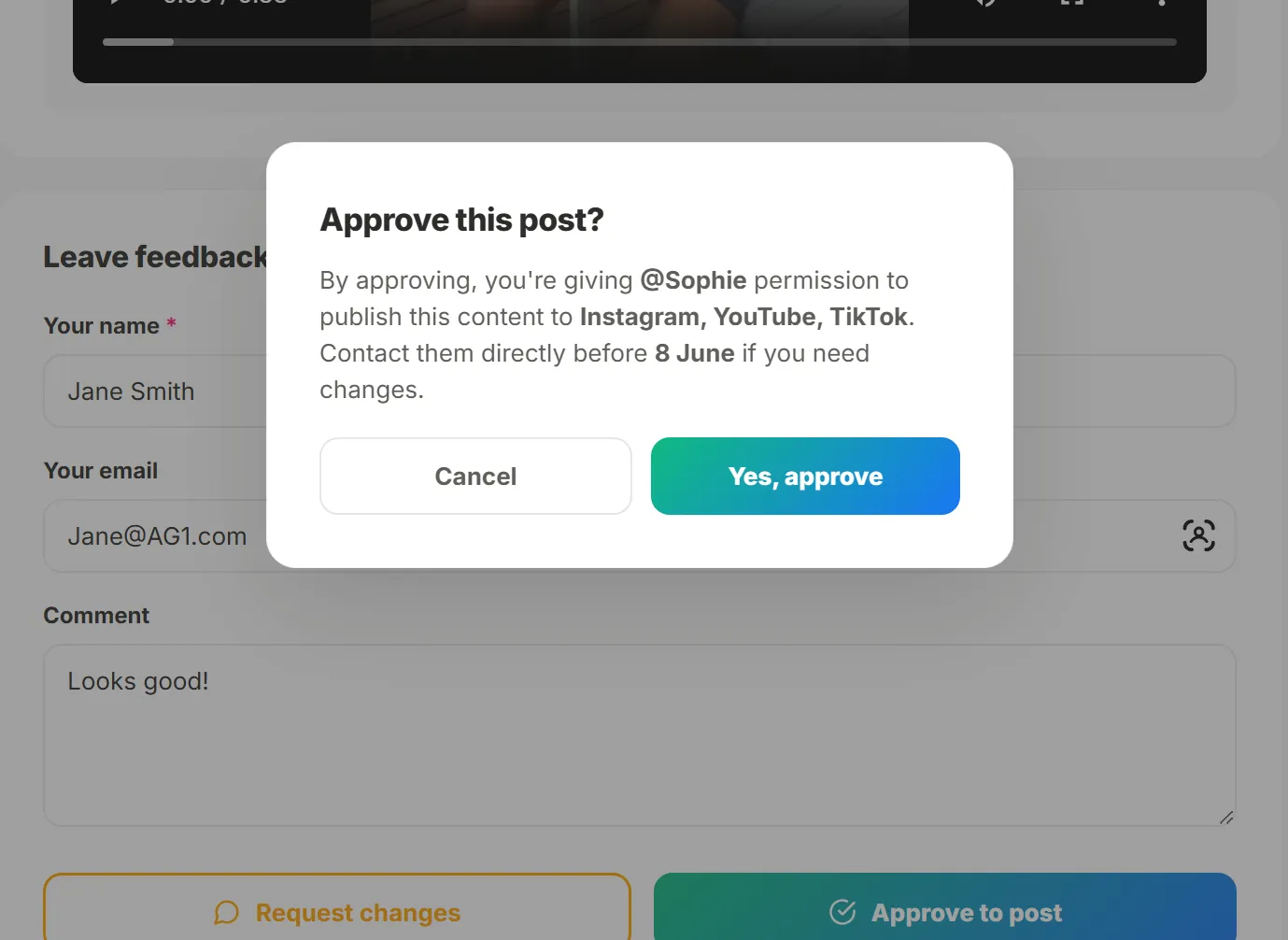
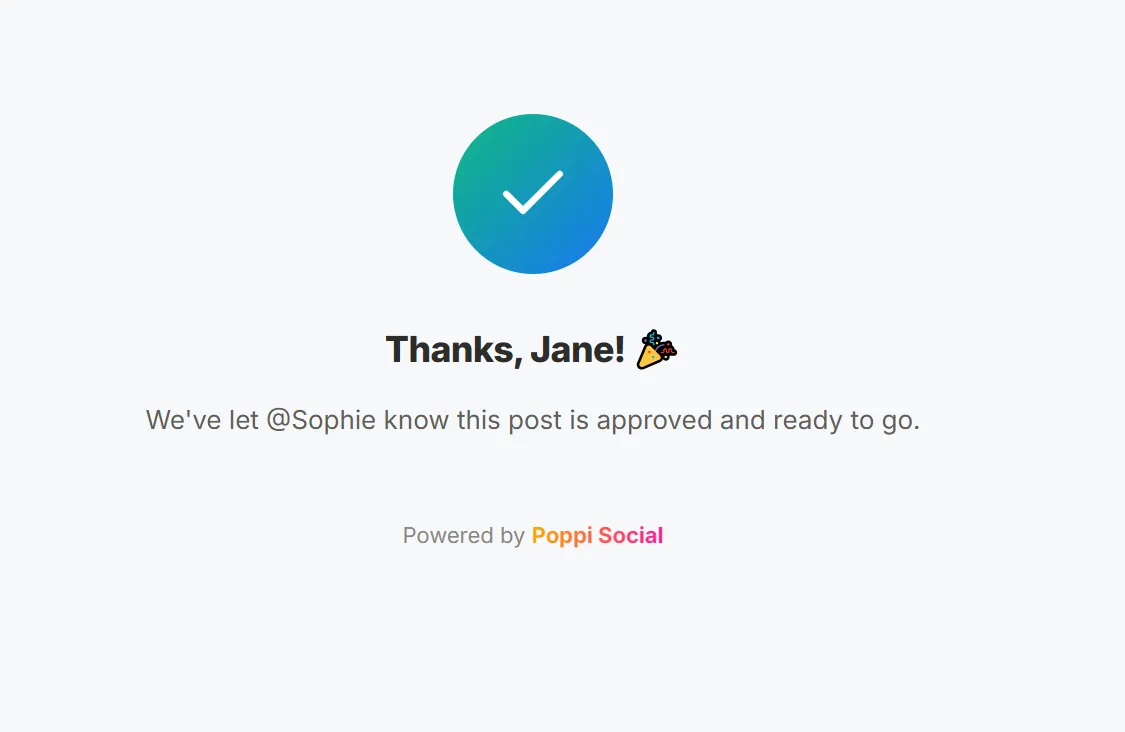
When a client approves the post, they will be shown a confirmation message that confirms they approve the post and that you (the creator) will post as planned unless they contact you otherwise. If they provide feedback, they will get confitmation that their feedback has been submitted. you can add any notes about the brand, select a custom colour if you like and finally click "Create Brand". This will save the brand for you in the brands dashboard.
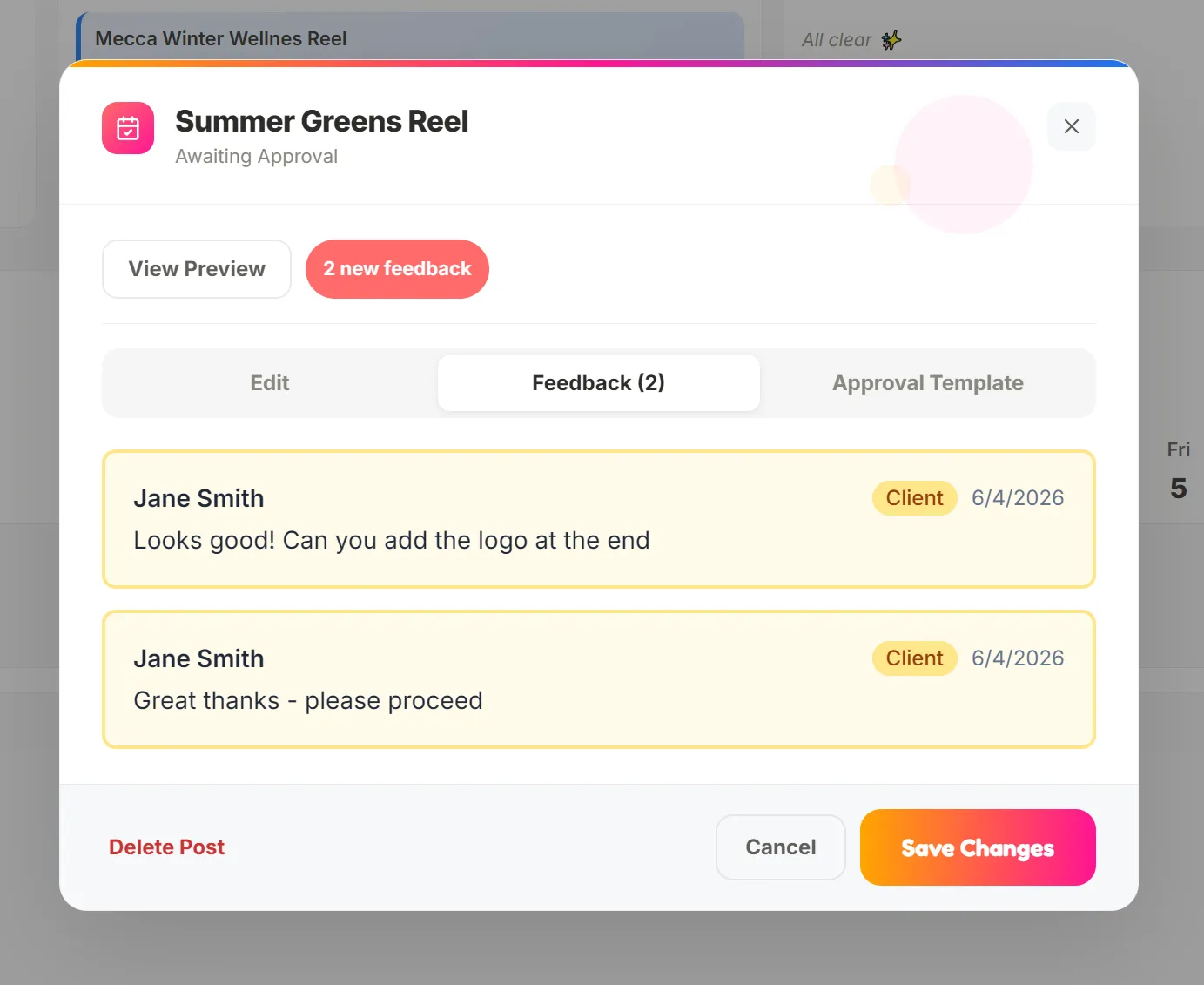
When a client provides feedback, you will get a notification in Poppi and via email. When you open the post, you click the "feedback" tab and will see the client approval or feedback. If you make any updates, you can reshare the same link to the client and they can approve or leave further feedback.
Once approved, the post will be moved to the "approved" status and be ready to post to the relevant platform(s).
That's it! Your first post is now approved in Poppi Social and its ready to post!